🎯 Goal
This article aims to guide you in creating your account on one of our websites Agriaffaires, MachineryZone, or Truckscorner by explaining the steps.
Step 1
When you are on one of the websites Agriaffaires, MachineryZone, or Truckscorner, you need to click on “My Account” then at the bottom on “Sign in.”
The illustration below shows where you find the sections “My Account” and “sign in” on the website page.
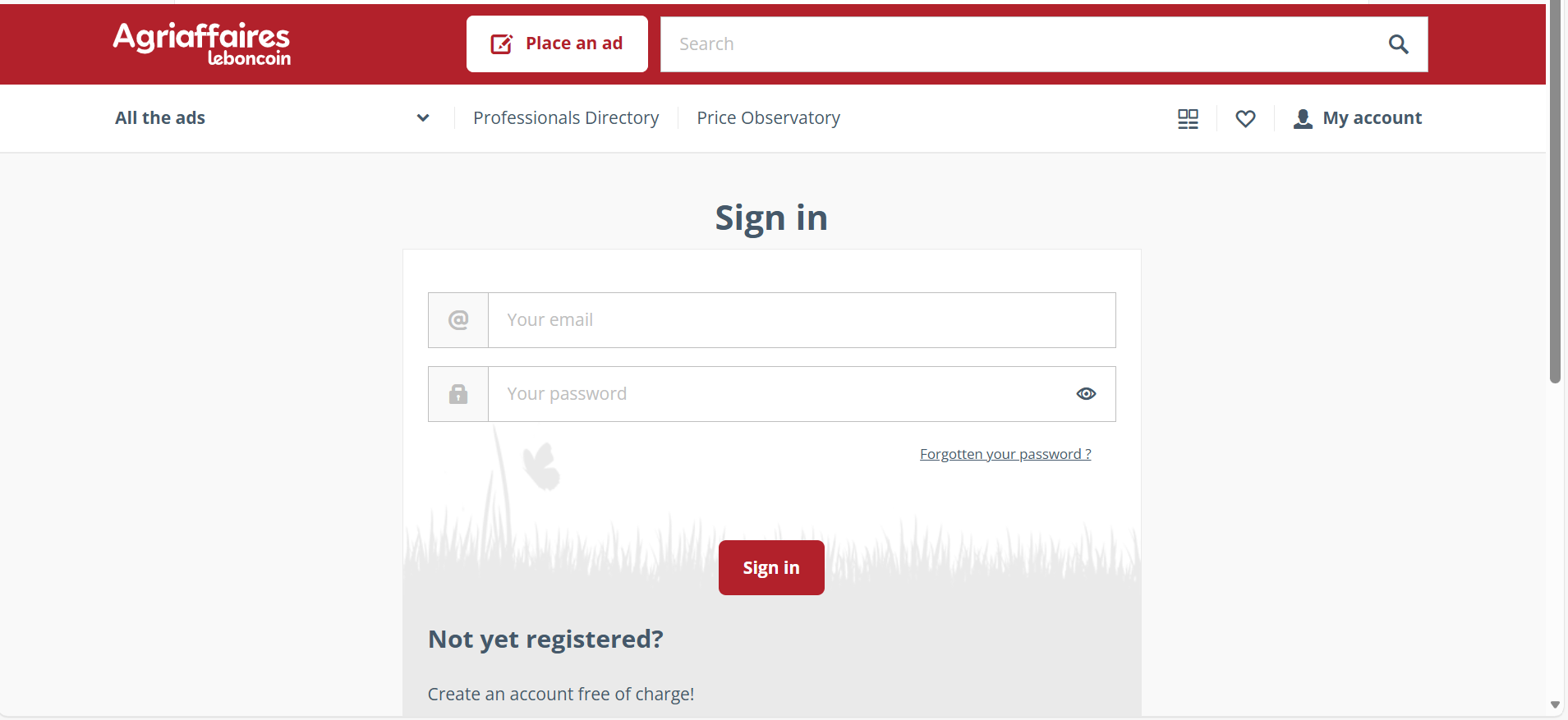
You will then be guided to fill in your contact details and company information.
You also need to provide a password.
Step 2
You will receive an activation link at the email address you provided during registration.
You must click on this activation link.
⚠the activation link is valid for only 21 days
Links to register